
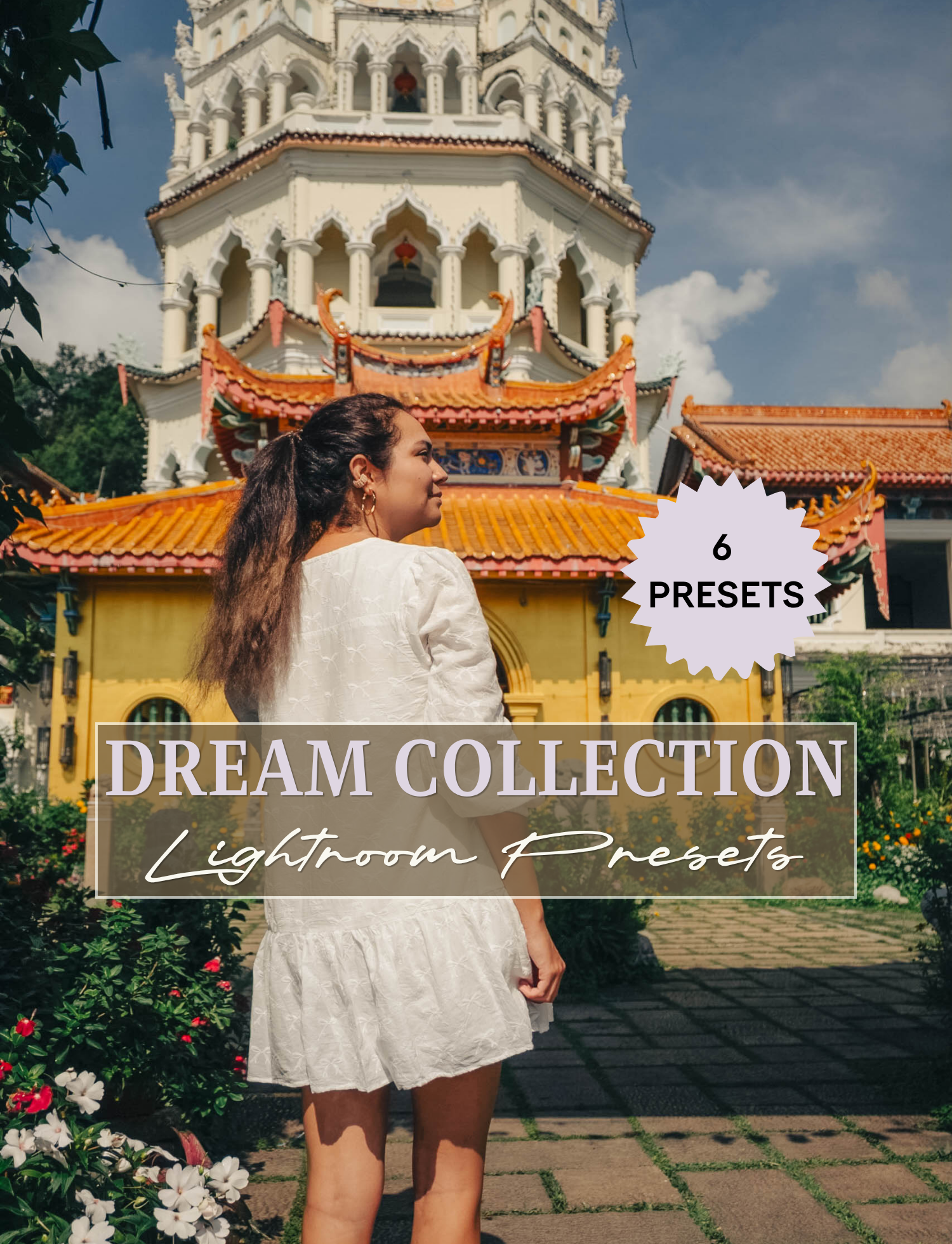
 Image 1 of 7
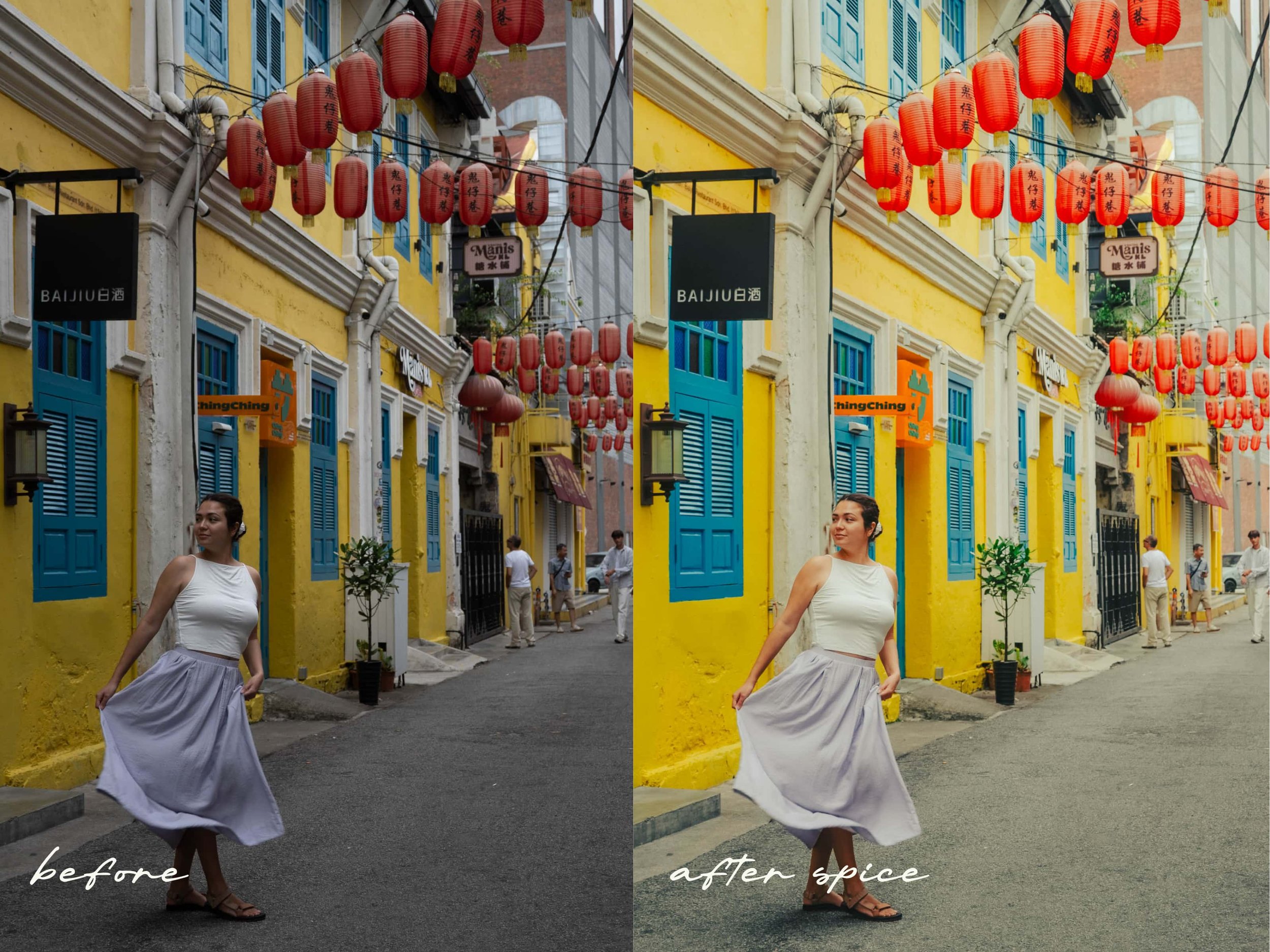 Image 2 of 7
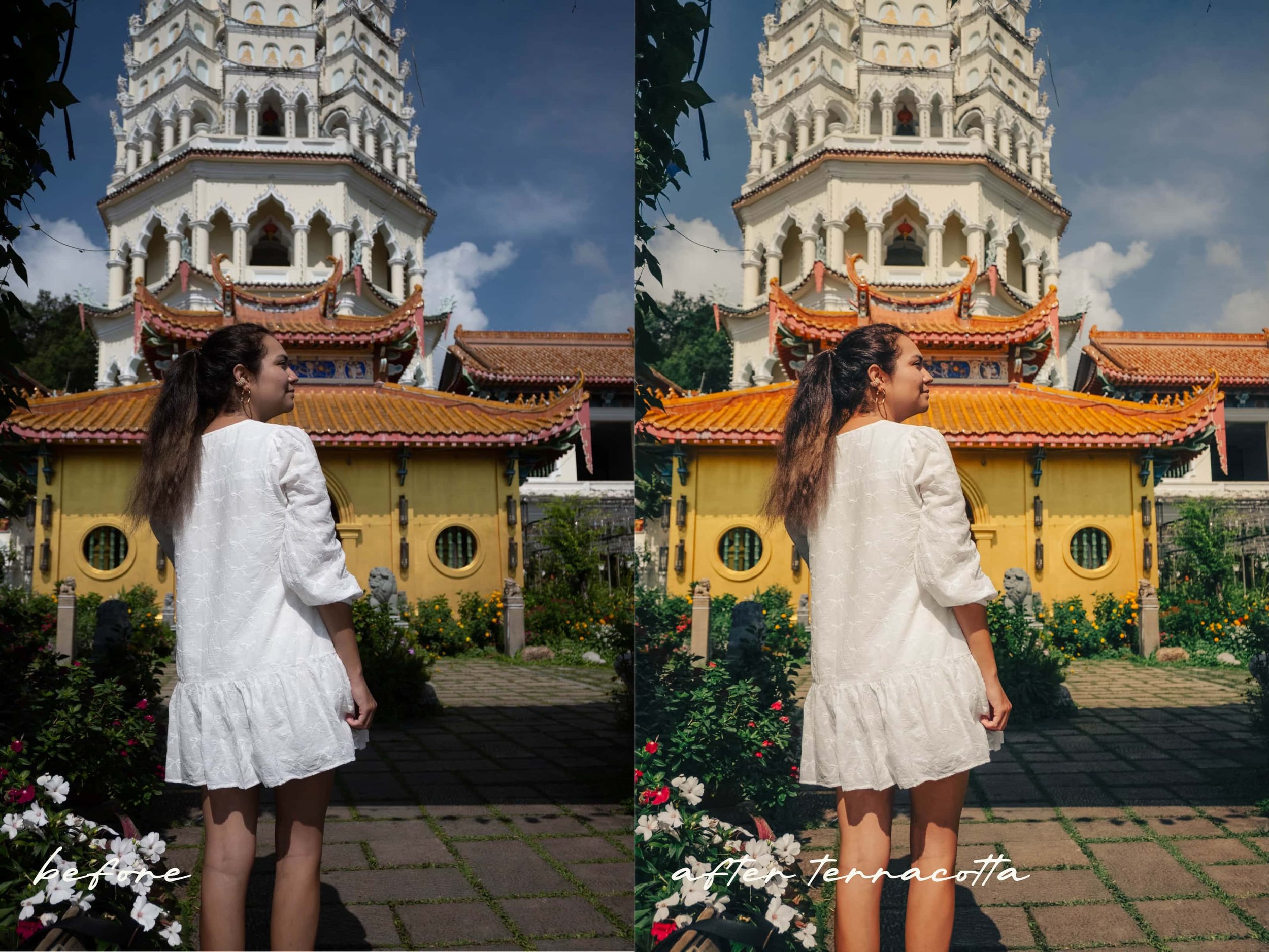 Image 3 of 7
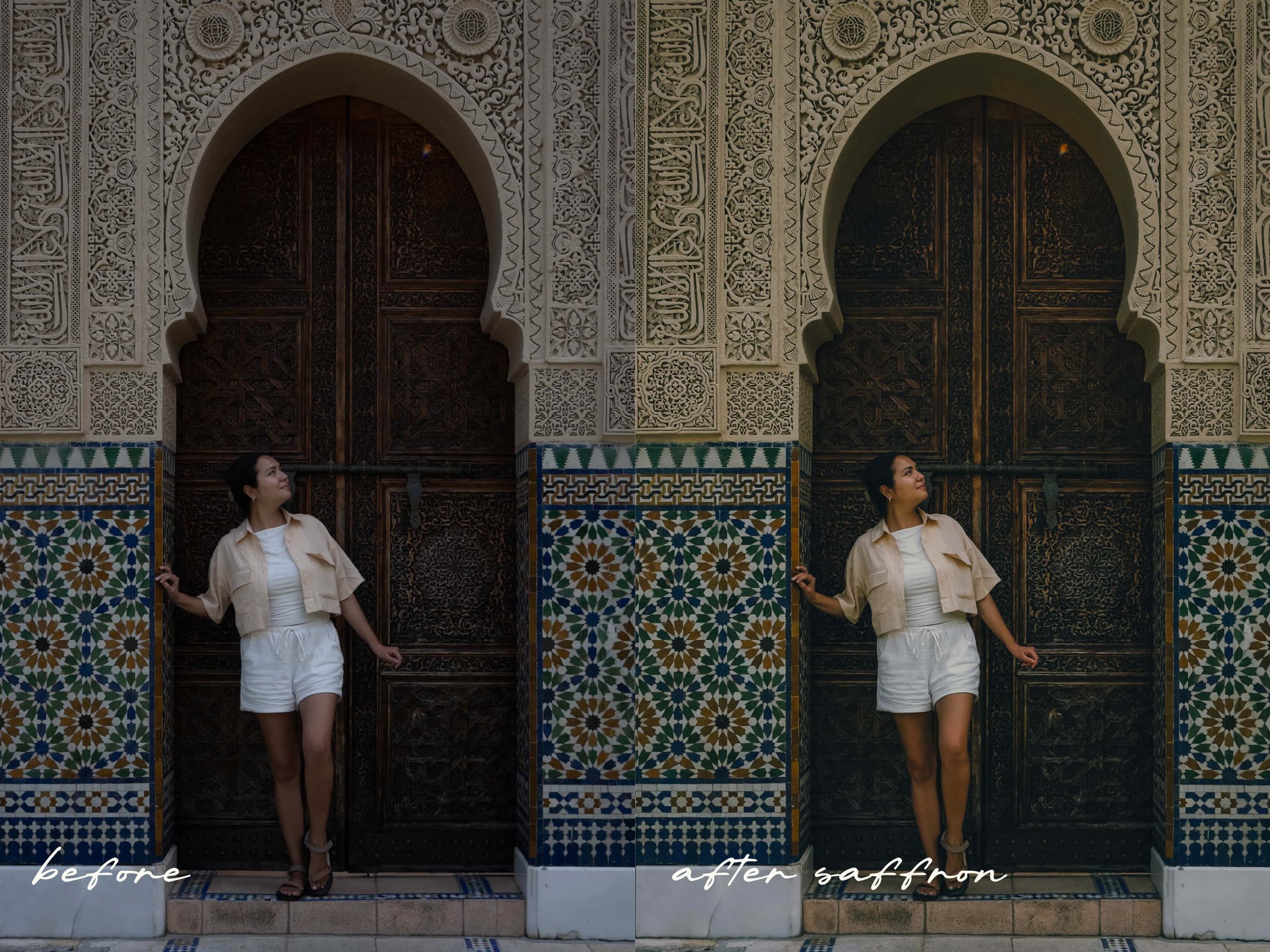 Image 4 of 7
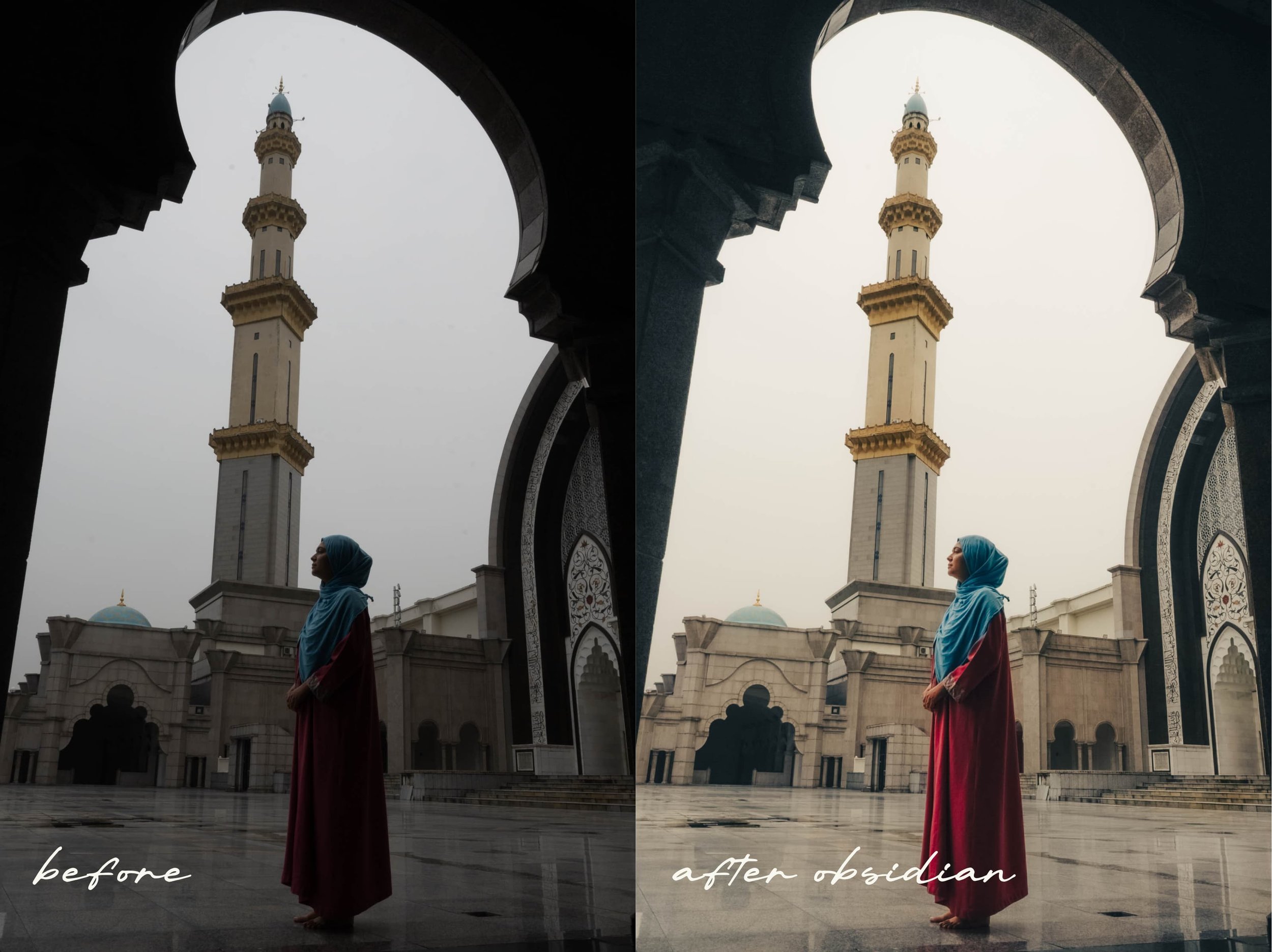 Image 5 of 7
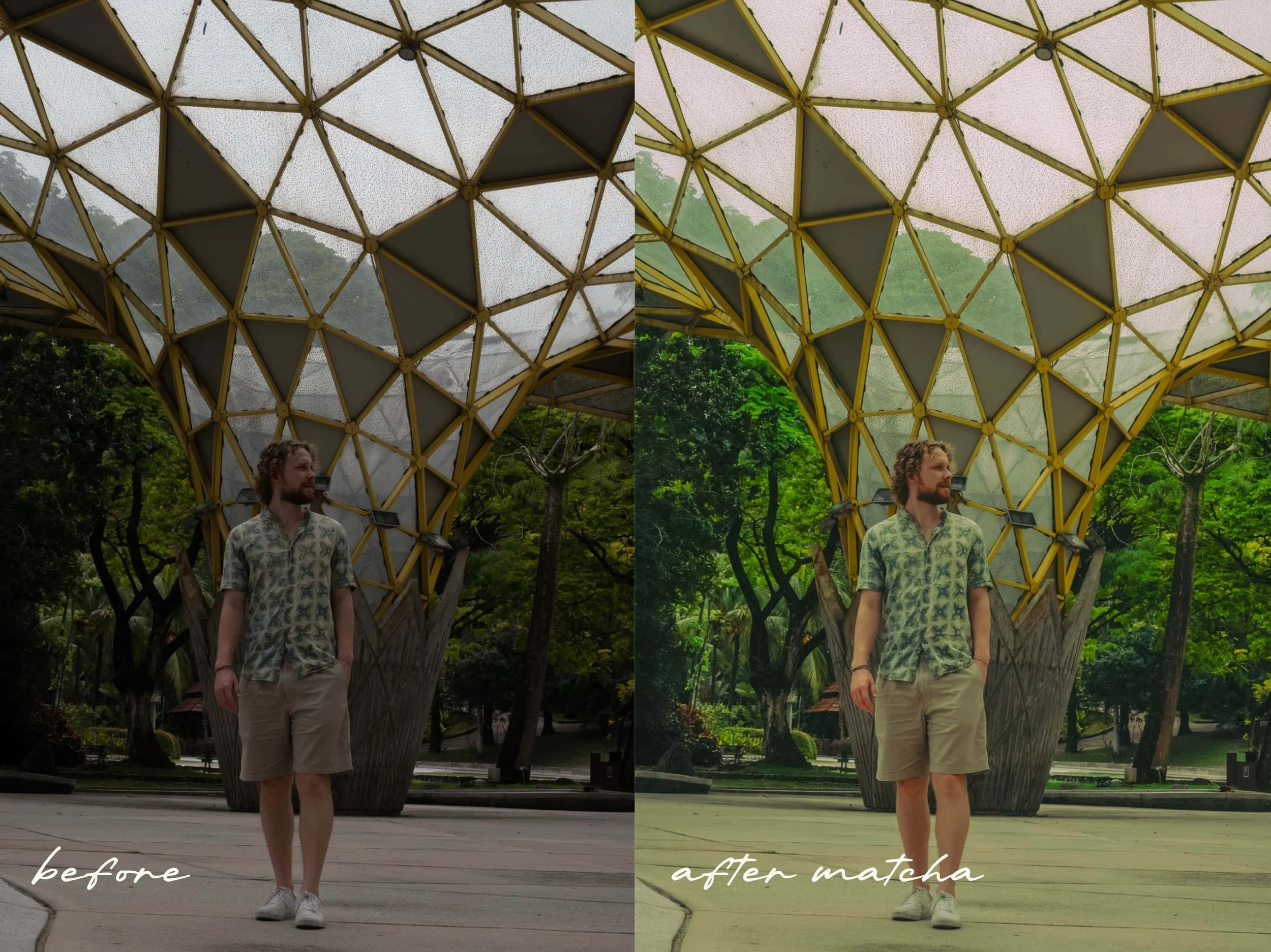 Image 6 of 7
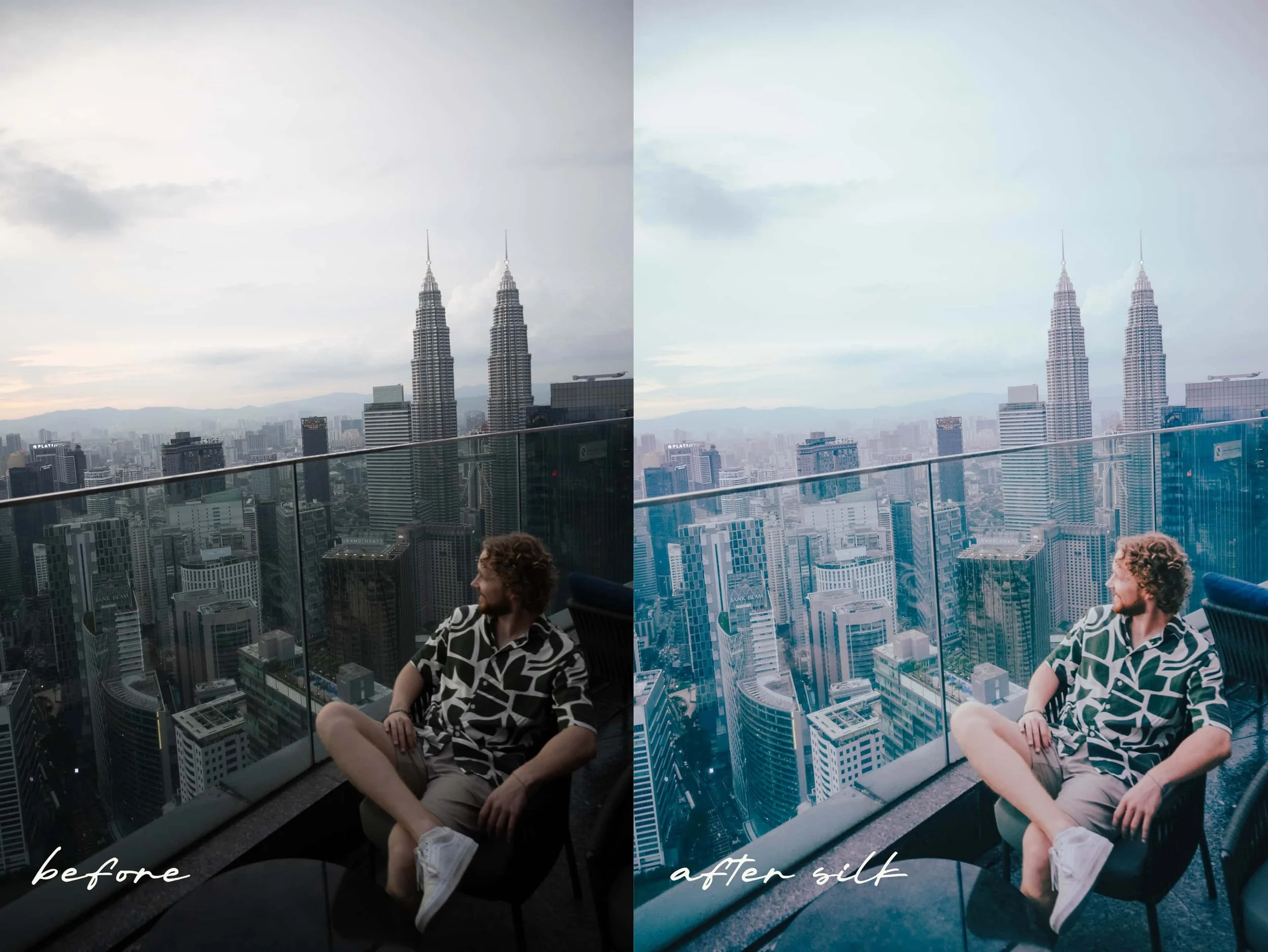 Image 7 of 7
Make sure to download the presets within the first 24 hours of purchase, as the download link on your e-mail will expire after that time.
Download and the Lightroom app you edit photos with Mobile (free), Classic, or CC.
Watch our tutorial here to see how to install your presets on Lightroom Classic & Lightroom Mobile App.
Install your presetsFAQs
With what app can I use them?
1
Compatible with Lightroom CC, Classic, and the free Lightroom Mobile app (no subscription needed)
What will I receive?
2
6 Lightroom presets (.XMP) that work on both desktop and mobile.
How can I edit my pictures?
Add the preset and then just the preset’s strength, exposure, temperature, lights and shadows to suit your unique photos.
3
How can I contact you?
4
For any questions, contact us through instagram.
Share your edits with #TheRealTravelerPresets on Instagram—We’d love to see your work!
*Presets are non-refundable.